
No waiting for discovery
Plug in. Start transferring.
Connect your iPhone and Mac, then move files both ways. No pairing, no cloud.
Mac app requires macOS 14 or later
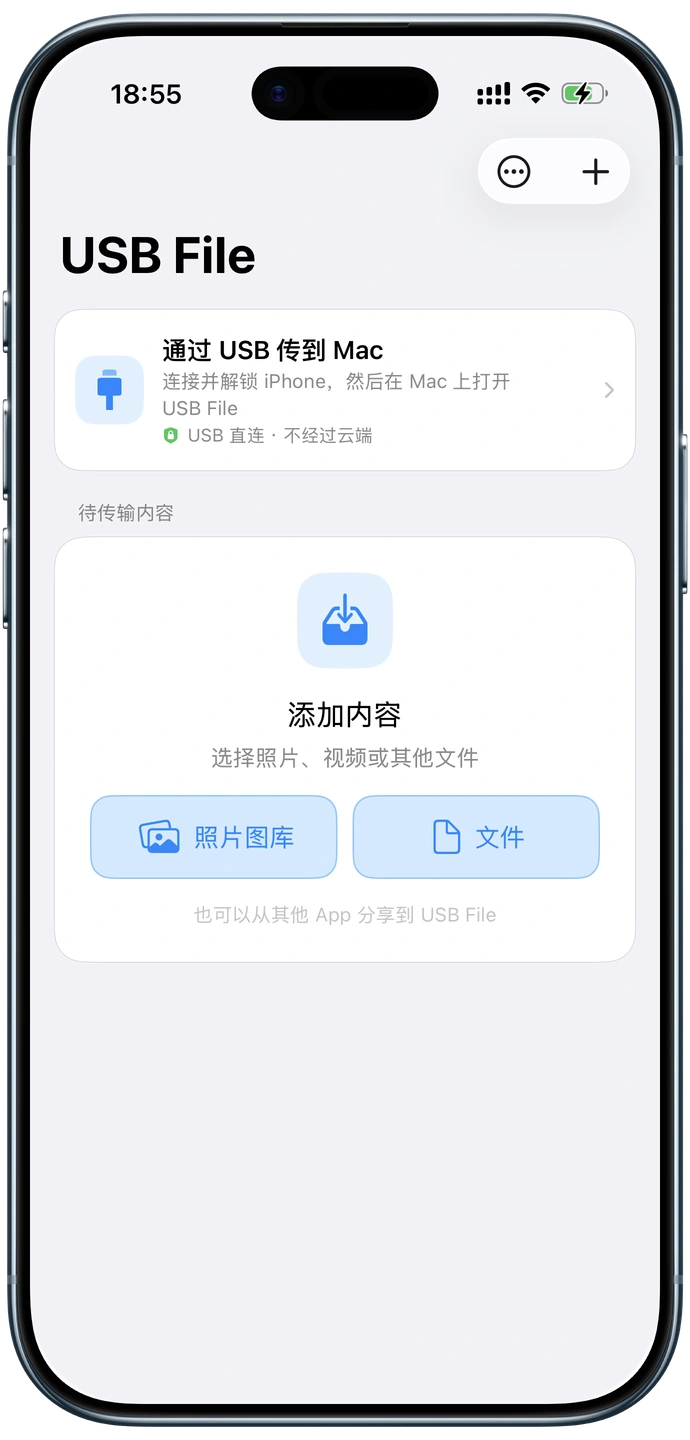
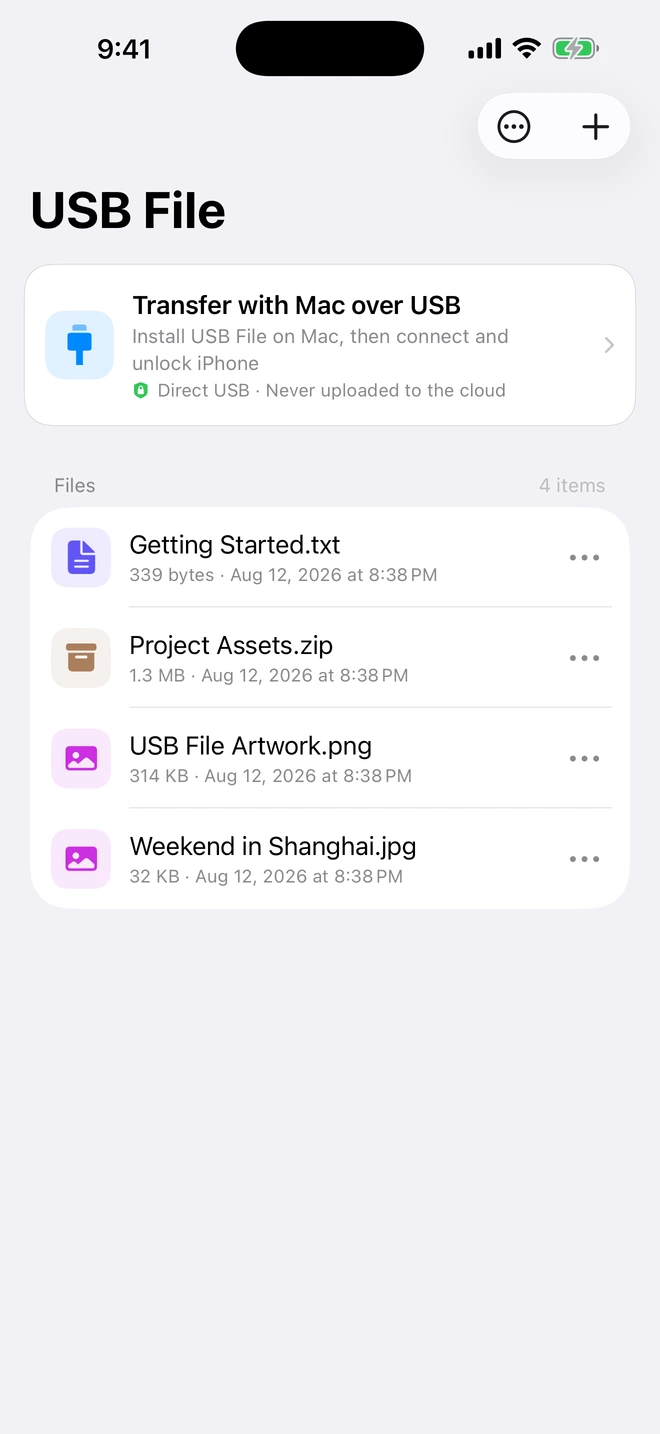
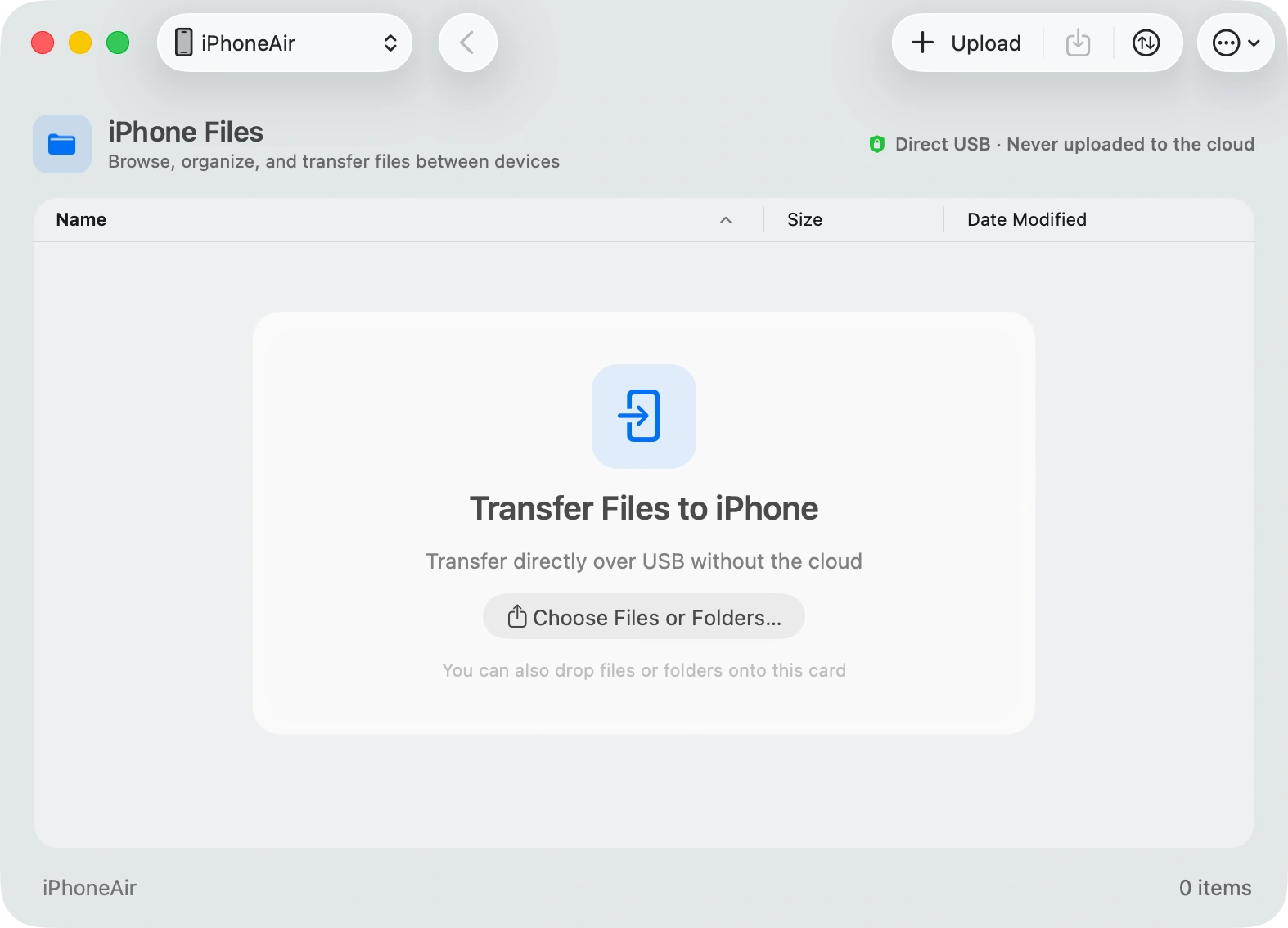
Moving a file should be this simple.
Plug in, pick a file, and move it. That is all.
iPhone → Mac
Move files from your phone straight to Mac.
Photos, videos, and folders—just drag them out.
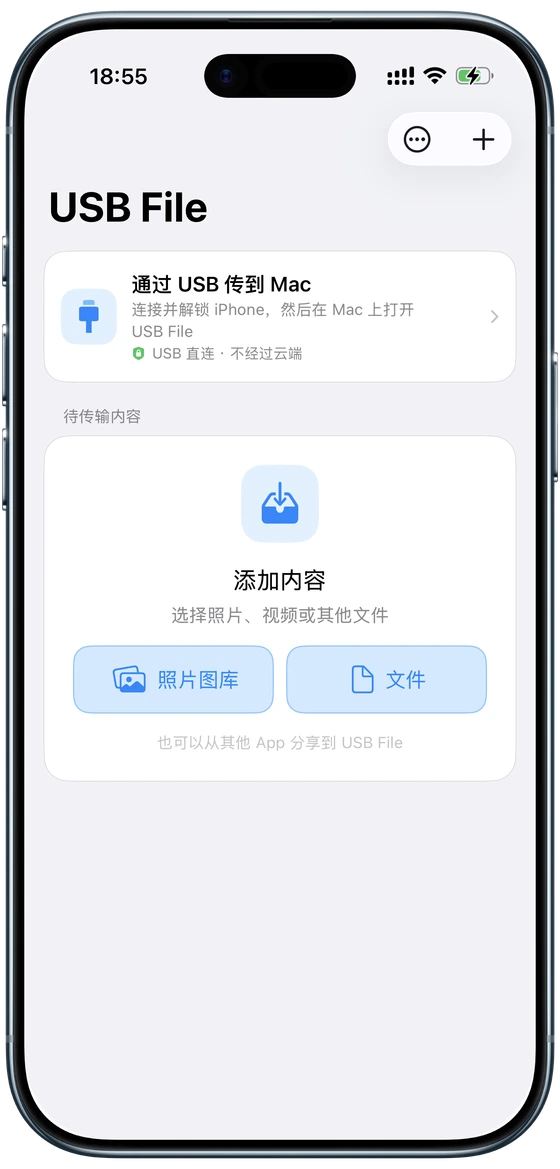
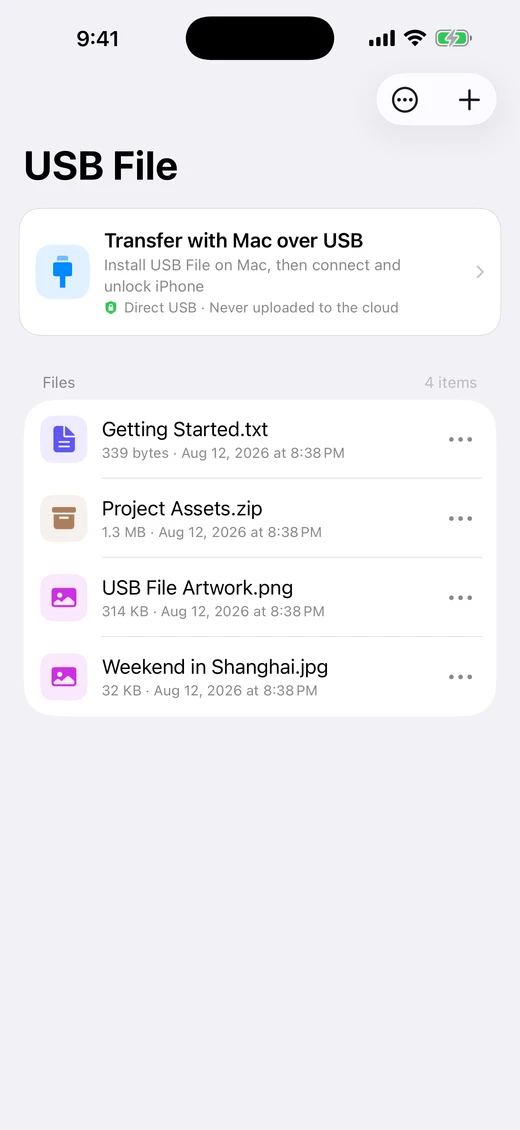
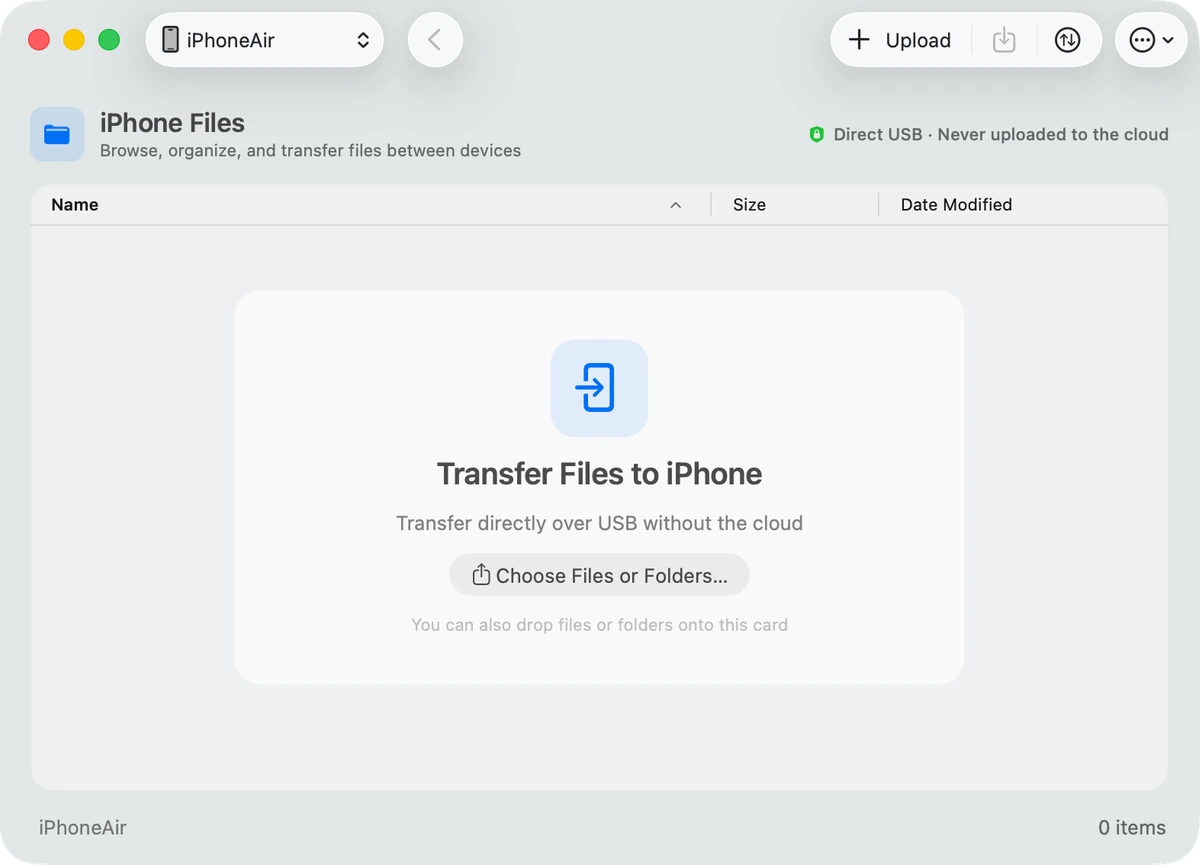
Mac → iPhone
Put Mac files back on your phone too.
Drop it in. Unplug, and take it with you.
No cloud in the middle
Your files stay on the cable.
No upload. No download. Just a direct connection between your devices.

Use your iPhone like a drive.
Connect it. Move what you need. Get on with your work.